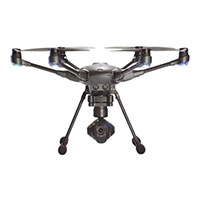
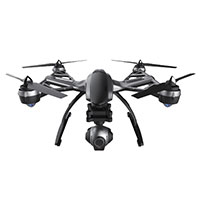
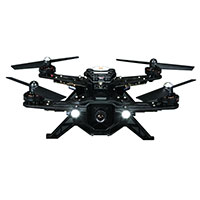
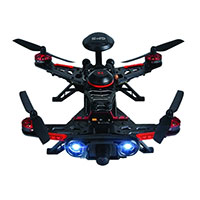
A: The cover is snapped onto the body of the Breeze. If you are discarding the one currently installed, you do not need to worry about damaging the main body but the cover's tabs that lock it into place will likely break.
In the rear of the drone where the battery is installed you can see where several pieces of plastic are layered. Insert a flat tool between the outer most layer where there is a small gap. If the tool is wide enough (screwdriver) rotate the tool as if you were loosening a screw while the tool is between the layers. This will unlock at least one of the tabs in the back. If the second lock tab in the back did not release, repeat procedure on the other side to release the back of the cover.
If you are discarding the cover, pry the cover off it will pivot at the front and the two small tabs at the front of the cover will break off. If you are not discarding the cover, after the back is released, carefully use a flat tool to work down the sides of the cover towards the front using the same rotating motion used to release the rear tabs. THE TABS IN THE FRONT BREAK VERY EASILY.
Once the side tabs are released the cover can be pivoted creating enough room between the cover and the body to use a tool and release the tabs in the front without breaking them. This is difficult and our technicians often break the tabs when attempting.
Installation is opposite of removal, starting in the front of the drone hooking the front tabs and pivoting the cover to lock the rear. The front tabs are very easily broken and no resistance should be felt fastening the front in the correct position.
Was this answer helpful?
2 of 2 Customer(s) found this Answer helpful.
Answer provided by: Andrew (1/15/2017)